If you’re building your first website, one of the first questions you’ll probably ask is what pages does a website need? It can be tempting to look at established websites with dozens of pages and assume you need to create something similar before you can launch.
You don’t.
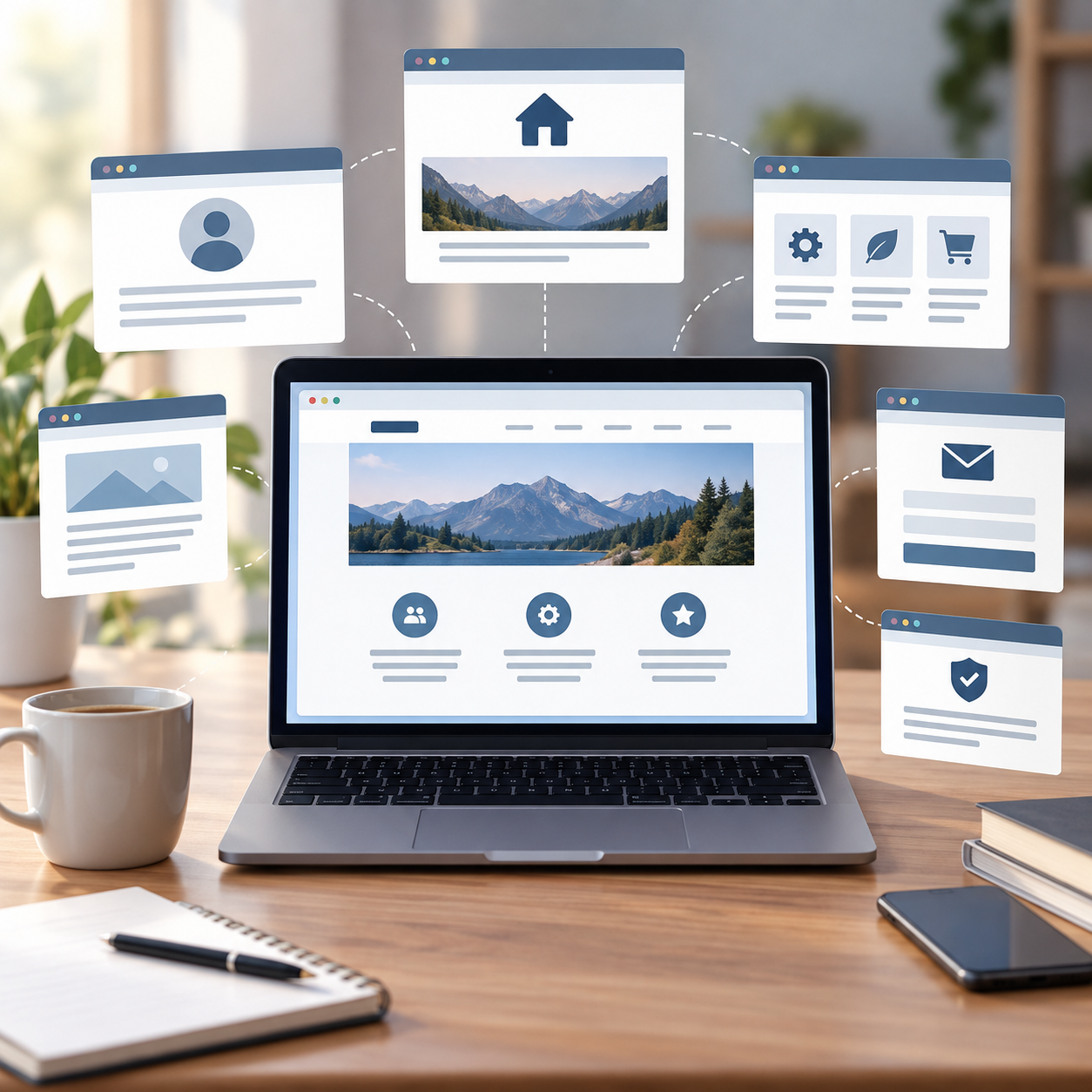
Most simple websites can start with a home page, an about page, a page explaining what you offer and a way for visitors to contact you. Depending on what your website does, you may also need privacy and other legal information.
Beyond that, the pages your website needs depend on one thing: what you want the website to do.
What pages does a website actually need?
There isn’t a single list of pages that every website must have.
A photographer needs somewhere to show their work. A plumber needs to explain their services and where they work. An online shop needs product and checkout pages. A blog needs somewhere for readers to find its articles.
So rather than starting with a long checklist, ask yourself three questions:
What does a visitor need to know? What do I want them to do? What information do I need to provide?
The answers will tell you far more about what pages your website needs than copying the structure of somebody else’s site.
For a simple website, however, there are several pages worth considering first.
The pages most websites need
Home page
Your home page is usually the main introduction to your website.
A visitor should be able to understand fairly quickly what the website is about, who it is for and where they should go next.
That doesn’t mean your home page needs to contain everything.
Think of it more like the entrance to your website. It introduces what you do and directs people towards the information they’re looking for.
For example, the home page of this website explains that HowToCreateAWebsite.org.uk helps beginners plan, build and grow their first website. From there, readers can move into the part of the process they need help with.
About page
An About page helps visitors understand who or what is behind the website.
What belongs here depends on the type of site you’re creating.
For a personal website, that might mean explaining who you are, your experience and why you created the site. For a business, it might explain the company, how it started and why customers should trust it.
You don’t necessarily need to tell your entire life story.
Include the information that helps the visitor understand who you are and why you’re relevant to what they’re looking for.
Services or products page
If you’re selling something, visitors need a clear way to understand what you offer.
For a service business, this might simply be a Services page.
If you offer several substantial services, you might eventually give each service its own page. But you don’t necessarily need to start there.
A new massage therapist, for example, could initially have one Services page explaining the different treatments available rather than creating ten almost-empty individual pages.
For an ecommerce website, the structure will be different because individual products will normally have their own product pages.
Contact page
If you want visitors to contact you, make it easy.
A Contact page could include an email address, telephone number, enquiry form, business address or other relevant contact information.
You don’t have to include every possible contact method.
Choose the methods you actually want people to use.
A local business may also want to include information about its location or the areas it serves.
Privacy and other legal pages
This is one area where you shouldn’t simply copy another website.
The privacy, cookie, business and consumer information you need to provide will depend on what your website collects and does. For example, collecting personal information through forms, using analytics or cookies, and selling products online can create different requirements.
For a UK website, use current guidance from authoritative sources such as the Information Commissioner’s Office and GOV.UK when deciding what information your particular website needs.
We’ll cover these requirements separately because they’re important enough to deserve more than a paragraph in a general website-planning guide.
What pages does a small business website need?
If you’re wondering what pages does a website need for a small business, you can often start surprisingly simply.
A basic service-business website might look like this:
Home → About → Services → Contact → appropriate privacy/legal information
Imagine you’re creating a website for a gardener.
The home page explains what the business does and where it operates. The About page introduces the person or company behind it. The Services page explains the gardening services available. The Contact page tells potential customers how to make an enquiry.
That’s already a functioning website.
Later, there may be good reasons to create separate pages for garden maintenance, hedge cutting or landscaping. But those pages should exist because they’re useful — not because you’ve been told that a “proper” website needs lots of pages.
What pages does a personal or portfolio website need?
A personal or portfolio website might be even simpler:
Home → About → Work/Portfolio → Contact
The emphasis here is different.
Rather than explaining a range of business services, the website may primarily exist to demonstrate your work, experience or abilities.
A photographer might have galleries. A writer could show published work. A designer might present individual projects or case studies.
Again, start with the purpose rather than the number of pages.
What pages does a blog or content website need?
A content website needs somewhere for people to find the content itself.
A simple structure could be:
Home → Articles → About → Contact → appropriate privacy/legal information
As the website grows, articles can be organised into useful categories.
That’s essentially what we’re doing with HowToCreateAWebsite.org.uk.
Instead of publishing hundreds of unrelated articles, we’re organising the site around the journey of creating a website:
Plan → Build → WordPress → Get Found → Grow
Those sections become more useful as we publish genuinely useful content within them. There would be little benefit in creating dozens of empty categories and pages before the content exists.
What pages does an online shop need?
An online shop usually needs a more substantial structure.
Alongside pages such as Home, About and Contact, you’ll normally have product pages, product categories and the pages required to complete a purchase, such as the basket and checkout.
You’ll also need to consider the information customers need before and after buying, including things such as delivery, returns and relevant terms and consumer information.
This is one situation where what pages does a website need becomes a bigger question than simply choosing five pages from a checklist.
If you’re planning an ecommerce website, it’s worth mapping the entire buying journey before you start building.
Pages you probably don’t need yet
This is where creating your first website can get unnecessarily complicated.
You see another website with Testimonials, Resources, FAQs, Our Team, Press, Gallery, Careers, Case Studies and fifteen service pages — and suddenly your four-page website feels unfinished.
It isn’t.
Some of those pages may eventually be valuable. You might collect enough customer questions to justify an FAQ page. You might develop detailed case studies. Your business might grow enough to need a Careers section.
Create those pages when they have a job to do.
Don’t write three sentences for an empty Testimonials page because a website checklist told you every business needs one.
A smaller website with five useful pages is better for a visitor than a 25-page website padded with information nobody needs.
How to decide what pages your website needs
Instead of beginning with page names, begin with a piece of paper or a blank document.
Write down:
- What is the purpose of the website? Are you trying to generate enquiries, sell something, share information, showcase your work or achieve something else?
- What does a visitor need to know? Think about the questions someone is likely to have when they arrive.
- What do you want the visitor to do? Contact you? Buy something? Read another article? Book an appointment?
- Which information belongs together? These groups of information can start becoming your pages.
- How should those pages connect? Sketch a simple sitemap showing how someone can move around the website.
Don’t worry about making the sitemap look professional. Boxes and arrows on a piece of paper are enough.
You are trying to work out the structure before spending hours building it.
Start with the website you need now
So, what pages does a website need?
Probably fewer than you think.
Start with the pages required to explain what the website is, help your intended visitor and allow them to take the action you want them to take. Add the appropriate privacy and legal information for what your site actually does.
Then launch, learn and improve.
You can add new pages when you discover a genuine reason for them. In fact, once your website starts appearing in Google, tools such as Google Search Console can eventually show you the searches people are using to find it. That gives you real information you can use when deciding what content to create next.
Your first website doesn’t need to be enormous. It needs to be useful.
Leave a Reply