If you’re wondering what do I need for a website, the good news is that you probably need less than you think. You don’t need to be a developer, buy dozens of tools or have every detail figured out before you begin.
At its simplest, you need a clear idea of what your website is for, a domain name, somewhere for the website to live, a way to build it and some useful content to put on it. Depending on what your website does, you may also need email, analytics and appropriate legal or privacy information.
This guide walks through those essentials one by one, so you can see what you actually need to start a website — and what can wait until later.
What do I need to build a website?
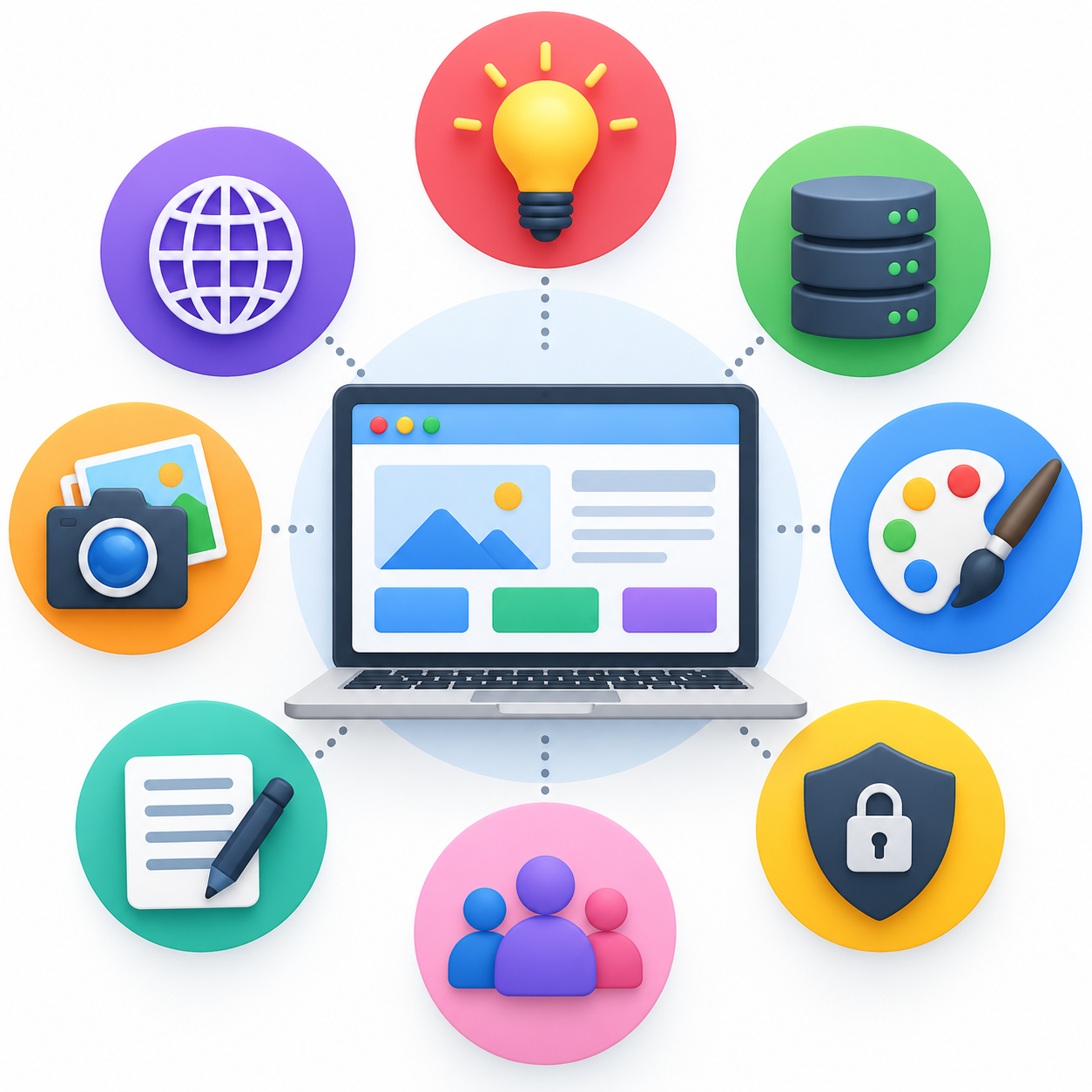
For most websites, you’ll need:
- A purpose for your website
- A domain name
- Web hosting
- A website platform or content management system
- The essential pages
- Written content
- Images or other media
- A way for visitors to contact you
- Appropriate privacy and legal information
You may also want a professional email address, analytics and tools that help your website appear in search engines.
That might sound like a lot when you see it all at once, but you don’t need to tackle everything at the same time. Let’s break it down.
1. A clear purpose for your website
Before choosing colours, themes or even a domain name, decide why the website exists.
Are you creating a website to promote a local business? Sell products? Publish articles? Build a portfolio? Share your work? Attract clients?
Your answer affects almost everything that comes afterwards.
A massage therapist, for example, might need service information, prices, FAQs and a way to enquire or book. A blogger needs a good way to organise and publish articles. An online shop needs product pages, payments and information about delivery and returns.
You don’t need a complicated business plan. Try completing one sentence:
“I am creating this website to…”
If you can answer that clearly, you have a useful starting point.
2. A domain name
Your domain name is the address people use to reach your website.
For example, the domain for this website is howtocreateawebsite.org.uk.
You register a domain through a domain registrar, usually for a yearly fee. Some hosting packages also include a domain for the first year.
A good domain should generally be easy to read, easy to remember and difficult to mistype. Don’t spend weeks trying to invent the perfect one. A clear, usable domain is more valuable than a clever name that prevents you from actually starting.
We’ll cover choosing a domain name in more detail in a separate guide.
3. Somewhere to host your website
A domain name and web hosting aren’t the same thing.
Think of the domain as the address and hosting as the place where the website’s files live.
If you’re building a self-hosted WordPress website, you’ll normally buy a hosting package and connect your domain to it. Many hosting companies make this much easier for beginners by handling much of the technical setup for you.
Some all-in-one website builders work differently and include hosting as part of the service, so you don’t necessarily need to purchase it separately.
The important thing is not to buy several overlapping services before you’ve decided how you’re going to build the website.
4. A way to build the website
You also need the software or platform you’ll use to create and manage the site.
There are several ways to do this. You could use WordPress, an all-in-one website builder, an ecommerce platform or have somebody build the website for you.
For this website, we’re using WordPress, and many of the practical tutorials here will show what we’re actually doing as we build and grow the site.
That doesn’t mean WordPress is automatically the right answer for everyone. The best option depends on what you’re creating, your budget and how much control you want.
5. The pages your website needs
One of the easiest beginner mistakes is assuming that a website needs lots of pages before it can launch.
It doesn’t.
A simple website might begin with a Home page, About page, information about what you offer and a Contact page, along with any appropriate legal or privacy information.
A shop, portfolio or content website will naturally need a different structure.
We’ve already created a full guide to What Pages Does a Website Need?, which explains this in more detail.
Plan the pages around what visitors actually need to accomplish rather than trying to make the website look bigger than it is.
6. Content for those pages
Once you know which pages you’re creating, you need something to put on them.
That includes your headings, paragraphs, calls to action, service or product information and anything else visitors need to understand the site.
Start with clarity rather than trying to sound impressive.
A visitor should be able to work out reasonably quickly:
Where am I? What is this website about? Is it relevant to me? What can I do next?
If the writing answers those questions, you’re already doing something useful.
7. Images and other media
Not every website needs professional photography before it launches.
You might use your own photographs, properly licensed stock images, illustrations, screenshots or graphics depending on the type of site you’re creating.
The important thing is that your images serve a purpose rather than simply filling empty space.
You should also make sure you have permission to use the images you publish. Finding an image through Google Images does not automatically give you permission to put it on your website.
8. A way for people to contact you
What happens when somebody visits your website and wants to take the next step?
Depending on the site, that could mean:
- Sending an enquiry
- Emailing you
- Booking an appointment
- Buying something
- Joining an email list
- Requesting a quote
You don’t necessarily need all of these. You need the ones that make sense for the purpose you identified at the beginning.
This is another reason to decide what your website is meant to accomplish before you start building it.
9. Privacy and legal information
If you’re building a website in the UK, don’t treat the legal side as an afterthought.
Exactly what your website needs depends on what it does and what information it collects. For example, using contact forms, analytics, cookies, email marketing or ecommerce can introduce different privacy and information requirements.
The Information Commissioner’s Office (ICO) provides guidance for organisations on privacy notices and cookies.
We’re going to cover UK website legal requirements separately because our keyword research showed that this is a substantial question in its own right. For now, the important point is to check the requirements that apply to your particular website rather than copying somebody else’s legal pages and assuming you’re covered.
10. Do I need a professional email address?
Not technically. You can create a website without one.
But if you’re building a website for a business or professional project, an address such as hello@yourwebsite.co.uk can look more established than using a personal email account.
Depending on your hosting or domain provider, email may be included or charged separately.
Check before paying for another service. It’s surprisingly easy when building your first website to pay twice for things you already have.
11. Do I need Google Analytics and Search Console?
You don’t need either one simply to make your website exist.
But once the website is live, understanding what happens to it becomes extremely useful.
Google Search Console can show you whether Google is finding and indexing your pages and, as data accumulates, which Google searches are generating impressions and clicks.
Google Analytics is designed to help you understand what visitors do on your website.
We use both on this website. Search Console is particularly important to this project because we’re using actual search data to decide what content to create and improve rather than relying entirely on keyword tools.
You don’t have to understand all of that before launching your first page. These tools can be added as you progress.
Can I build a website myself?
Yes. For many straightforward websites, you don’t need to hire a developer simply to get online.
Modern website platforms have removed much of the technical work that once made creating a website inaccessible to beginners.
That doesn’t mean there is nothing to learn. You’ll encounter unfamiliar terms and occasionally something won’t work the way you expected. That’s normal.
The aim shouldn’t be to understand everything about websites before starting. Learn the next thing you need, use it, and then move forward.
What don’t I need to start a website?
This is just as important as knowing what you do need for a website.
You don’t necessarily need a custom logo, expensive premium theme, dozens of WordPress plugins, professional photographer, complicated SEO package, huge website or perfectly developed brand before you start.
Some of those things may become useful later.
But buying everything at the beginning can make creating your first website more complicated rather than less.
Start with what the website genuinely needs to perform its purpose. Improve it as you learn what your visitors actually need.
Your beginner website checklist
Before you start building, make sure you can answer these questions:
- What is my website for?
- Who is it for?
- What domain will I use?
- Where will it be hosted?
- What will I use to build it?
- Which pages do I actually need?
- What content needs to go on those pages?
- How will visitors contact me or take the next step?
- What privacy or legal requirements apply?
- How will I know whether people are finding and using the website?
You don’t need perfect answers to every question.
You just need enough clarity to take the next step.
Start with the essentials
So, what does a website need?
At the most basic level, you need a purpose, a domain, somewhere to host the site, a way to build it and useful content for the people you want to reach. Everything else should be added because it solves a real problem — not because somebody told you that every website must have it.
If you’re planning your first website, your next decision is which pages it actually needs. Read our guide to What Pages Does a Website Need? A Beginner’s Guide next.
Leave a Reply